Requirements for Applying for an Online Appointment in PSA – Full Guide 2026
Before clicking any booking button, knowing what documents and information are needed saves a lot of frustration. Many people start the process blind and get stuck halfway through. Others complete the booking but get turned away at the door because of missing requirements.
This guide lists every single requirement for a successful PSA online appointment. No guesswork. No missing pieces. The official [psa online appointment] system has specific demands. Skip any of them, and the booking fails or the entry gets denied.
Three Categories of Requirements
Everything needed falls into three groups:
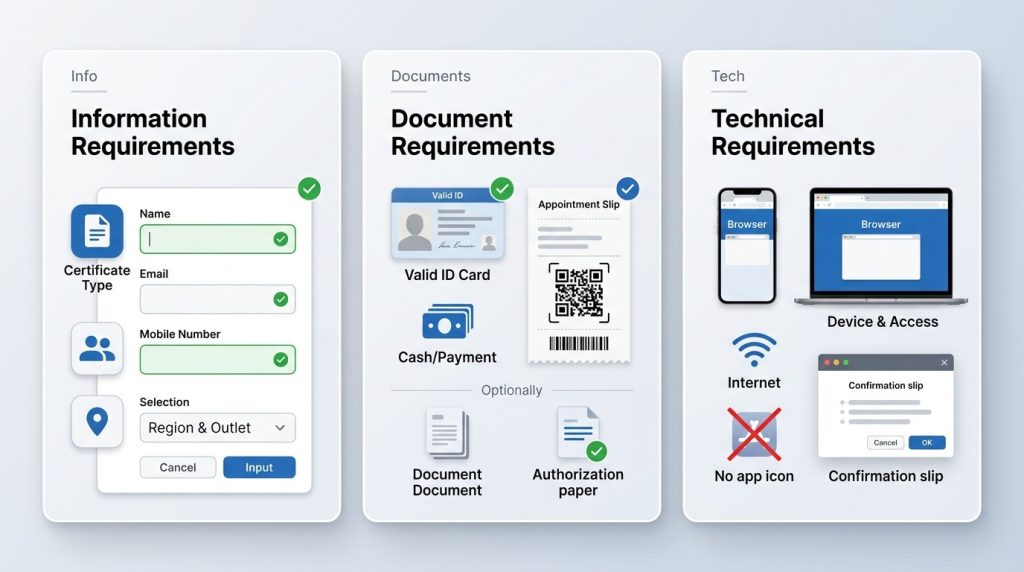
- Information requirements : details entered during booking
- Document requirements : IDs and papers brought to the outlet
- Technical requirements : device and connection needs
Cover all three, and the process runs smoothly. Miss any problems follow.
Information Requirements
These are the details typed into the booking form.
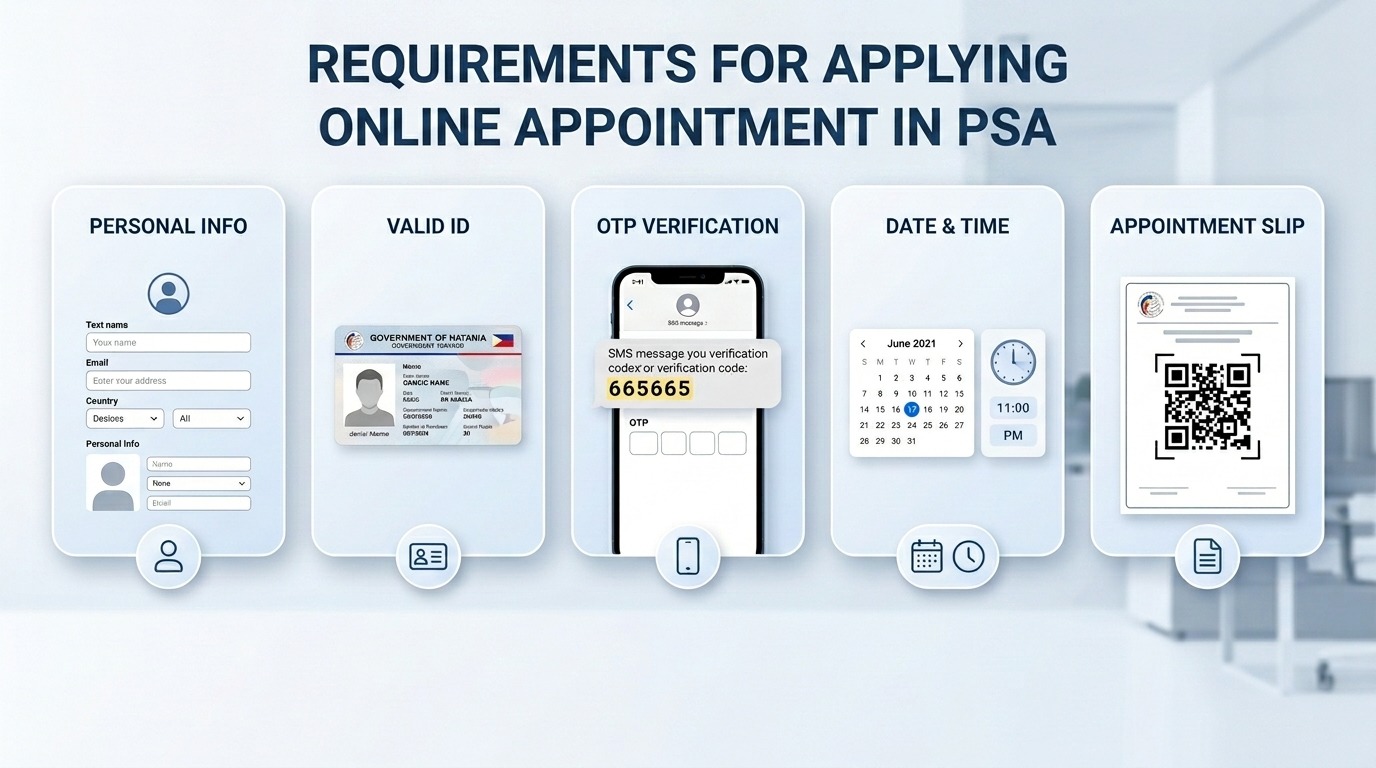
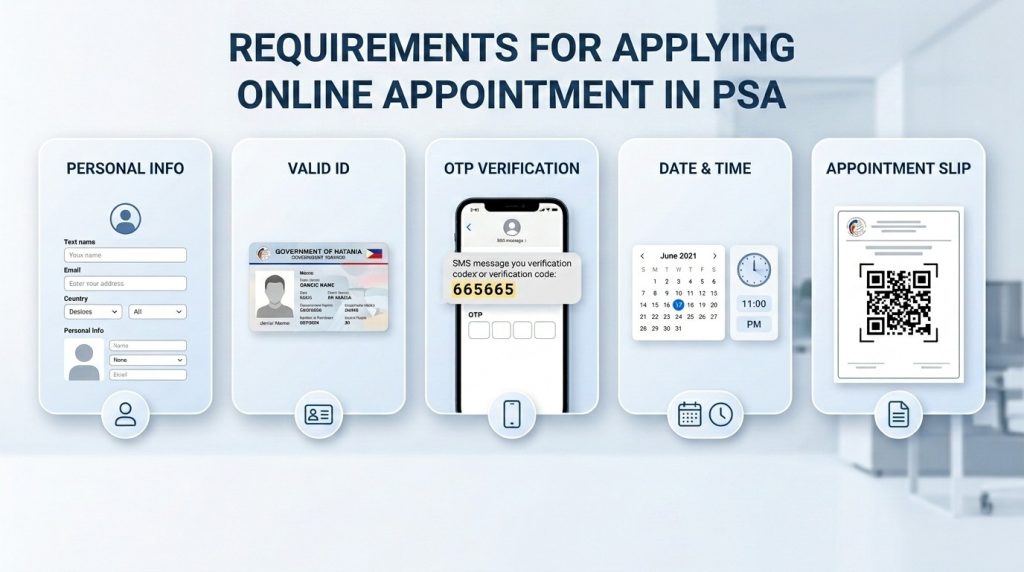
Full legal name. First name, middle name, and last name exactly as they appear on a government ID. No nicknames. No shortened versions. No initials for the middle name unless the ID shows initials.
Email address. Must be active and accessible. The confirmation slip, QR code, and appointment details go here. Use an address that gets checked regularly. Avoid temporary or disposable email addresses.

Mobile number. Philippine number required. The system sends a 6-digit OTP code via text message. Prepaid or postpaid both work. The phone must be able to receive texts.
Certificate type. Choose from birth, death, CENOMAR, or CENODEATH and PSA marriage certificate. Selecting the wrong type means walking out with the wrong document.

Relationship to the certificate holder. Self, parent, child, spouse, or representative. This must match the actual relationship. Claiming “self” when requesting a parent’s certificate causes rejection.
Full name of the certificate holder. If requesting a birth certificate for a child, the child’s name goes here. If requesting a marriage certificate for parents, the parent’s name goes here. Spelling must be exact.
Preferred region and outlet. The system asks for a region first, then shows available outlets in that region. Choosing an outlet too far away or already fully booked leads to no available slots.
Document Requirements
These are the physical items brought on the appointment day.
Valid government ID. One original ID is required. Photocopies are not accepted. Expired IDs are rejected except for senior citizen IDs. The name on the ID must match the name entered during booking.
Appointment slip with QR code. Printed or digital. The QR code gets scanned at the entrance. No QR code means no entry, even with a confirmed booking.
Payment. Exact cash for the certificate fee. Birth, marriage, and death certificates cost ₱155 each. CENOMAR and CENODEATH cost ₱210 each. Outlets do not always have change for large bills.
For authorized representatives. Signed authorization letter from the document owner. A Photocopy of the document owner’s valid ID. The representative’s own valid ID.
For parents booking for minors. No additional documents beyond the standard requirements. But the parent must accompany the minor to the outlet.
Technical Requirements
These are the device and connection needs for the online booking.
A device with a browser. Smartphone, tablet, laptop, or desktop computer. Any modern device works. The system does not require a specific operating system.
Internet connection. Mobile data or WiFi. The connection must be stable enough to load pages and receive the OTP code. Slow connections cause timeouts.
No app needed. The system runs entirely in a browser. No download from any app store is required.
No account creation. No need to create a username or password. No login required at any point.
Pop-ups enabled. The confirmation window and appointment slip may appear in a pop-up. Blocked pop-ups prevent the slip from showing.
Special Case Requirements
Different situations have different rules.
Senior citizens:
I still need a confirmed appointment. Priority lane access at the outlet. Bring the senior citizen ID to use the priority lane. No special booking process.
PWDs:
Same as senior citizens. Priority lane access. PWD ID required. Standard online booking process.
OFWs abroad:
Cannot book directly from outside the Philippines. The system requires a Philippine mobile number for OTP verification. Authorize a family member in the Philippines to book and claim the certificate.
Minors:
Cannot book their own appointment. An adult parent or guardian must book on their behalf. The adult must accompany the minor to the outlet.
Representatives booking for someone else:
Limited to two unrelated individuals per appointment. No limit on related individuals. Signed authorization letter required.
Lost or damaged PSA certificate:
Same requirements as a first-time request. No special process. No additional documents needed.
Common Requirement Mistakes
These errors cause booking failures or entry denials.
Name mismatch. The name entered online does not match the name on the ID. Even one letter difference causes rejection at the door.
Wrong relationship selected. Selecting “self” when requesting for a parent or child. The system flags this during verification.
Expired ID. Any expired ID except a senior citizen ID gets rejected at the entrance.
Missing authorization letter. Showing up as a representative without the signed letter. The outlet will not allow entry.
Photocopy instead of the original. Photocopied IDs are not accepted. Bring the physical card.
Wrong outlet. Booking a slot at one branch but showing up at a different branch. The QR code is branch-specific and will not scan at the wrong location.
Typo in email address. The confirmation never arrives. Check the email field twice before clicking next.
Incorrect mobile number. The OTP code never comes. Double-check the number before proceeding.
Quick Requirement Checklist
Use this list before starting the booking.
Information to have ready:
- Full legal name (as shown on ID)
- Active email address
- Philippine mobile number
- Certificate type needed
- Relationship to certificate holder
- Full name of certificate holder
- Preferred PSA outlet
Documents to prepare for appointment day:
- Valid government ID (original)
- Appointment slip with QR code
- Exact cash payment
- Authorization letter (if representative)
Technical needs:
- Device with browser
- Stable internet connection
- Pop-ups enabled
Frequently Asked Questions
Q1: What are the basic requirements for PSA online appointment?
A working email address, an active Philippine mobile number, one valid government ID, and the exact full name of the person whose certificate is needed. I also need to know which PSA outlet to visit.
Q2: Can I book a PSA appointment without a valid ID?
No. A valid government ID is required both during the online booking and at the outlet. The name on the ID must match the name entered in the appointment form.
Q3: What IDs are accepted for PSA appointments?
Passport, driver’s license, UMID, PhilSys National ID, voter’s ID, PRC ID, senior citizen ID, PWD ID, GSIS ID, SSS ID, and postal ID. The ID must be original and not expired.
Q4: Does PSA online appointment require a fee to book?
No. Booking a slot is completely free. Fees are only for the certificates themselves, paid at the outlet on the appointment day.
Q5: What are the requirements for booking a PSA appointment for someone else?
A signed authorization letter from the document owner, a photocopy of the document owner’s valid ID, and the representative’s own valid ID. One representative can handle up to two unrelated individuals per appointment.
Final Summary
Meeting every requirement before starting saves time and prevents rejection. The checklist above covers everything. Gather the documents first. Double-check the spelling of all names. Keep the email address and mobile number accurate. The official system works smoothly when all requirements are met. No rejected entries. No wasted trips. That is the complete requirements guide. Prepare everything and then proceed with the booking.